CCTV Problems Explained: Why Is My CCTV Screen Black or Blank? (Hikvision, Dahua, Tiandy, Uniview).
CCTV cameras are essential for home and business security in Kenya. However, users frequently encounter issues such as a black or blank screen, no video signal, poor night performance, and other frustrating problems. These issues can occur across popular brands like Hikvision, Dahua, Tiandy, and Uniview. Understanding the root causes and solutions helps you fix them faster or know when to call a professional.
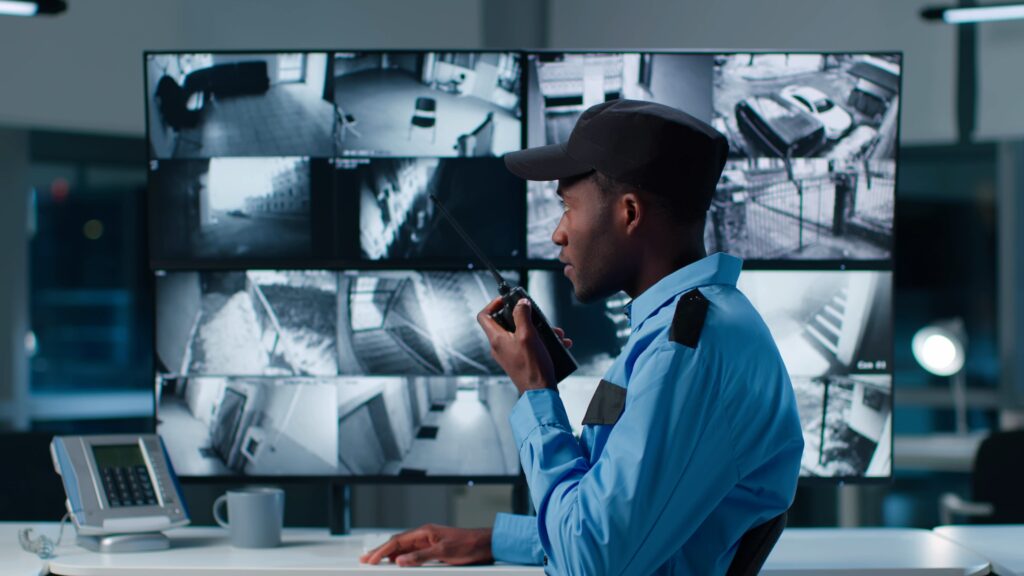
1. Black or Blank Screen on CCTV.
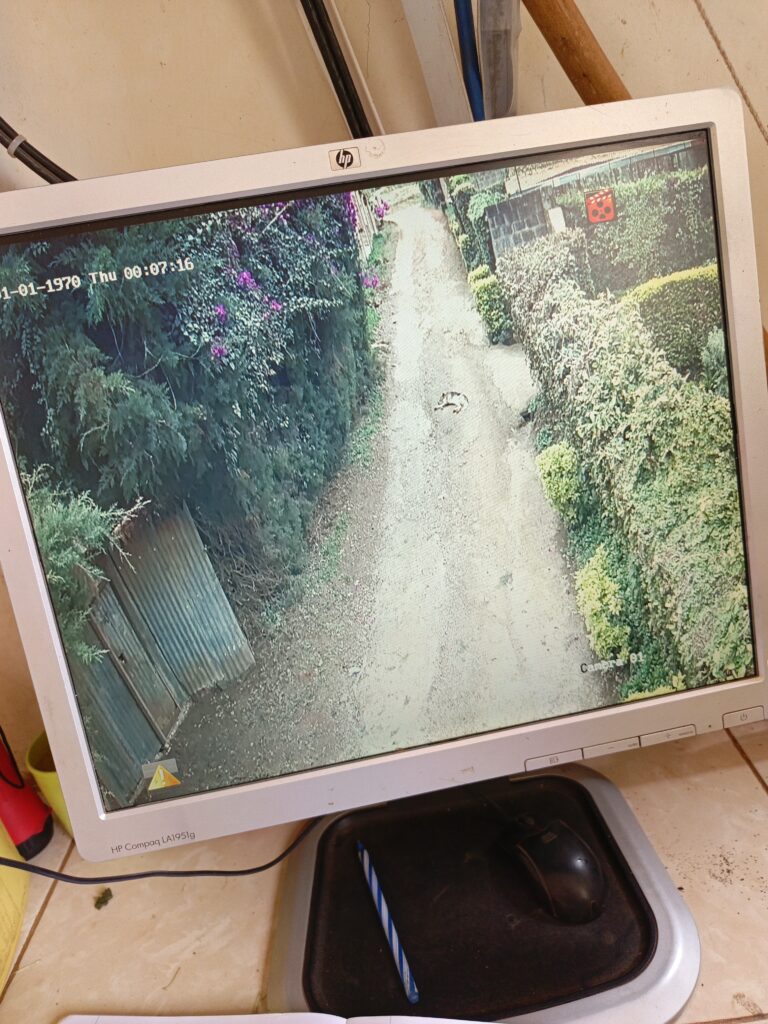
Possibly the most common issue CCTV owners face is a black or blank screen on the monitor, meaning the camera feed is missing entirely.
Typical Causes:
Power Supply Problems. If the camera or NVR/DVR is not receiving stable power, the video signal may be lost. This can result from a faulty power adapter, loose connections, brownouts, or a failing PoE switch. (eufy)
Loose or Damaged Cables. Broken or improperly connected video cables, BNC connectors, or Ethernet wires (for IP cameras) can interrupt the signal. (CCTVcameraclub)
Incorrect Input or Settings. A wrong input selection on your DVR, NVR, or monitor may cause no video to display. (CCTVcameraclub)
Signal Interference. Background devices and interference from other electronic equipment can disrupt analog or wireless CCTV signals. (Active Communication Company Ltd)
Solutions:
- Check the power supply, adapters, and PoE switches to ensure all are working properly. (eufy).
- Inspect all cables for damage, tight connections, and correct ports. (CCTVcameraclub).
- Restart the NVR or DVR and power cycle cameras by disconnecting power for a moment.
- Verify the correct input channel on your recorder or monitor. (CCTVcameraclub).
2. Brand-Specific Black Screen and Connectivity Issues.
Different CCTV brands sometimes present similar symptoms for underlying issues such as firmware quirks, network conflicts, or software errors.
Hikvision.
Hikvision systems may show no video or a blank screen due to power loss, network problems, or misconfigured camera channels. Tools like the SADP utility can help detect offline devices. (scOS)
Additionally, some users report that viewing feeds through browsers (e.g., Chrome) results in a blank interface due to plugin compatibility issues. Using alternative browsers like Edge or Firefox can sometimes work around this. (Reddit)
Dahua.
Dahua systems may also exhibit black screens or video loss because of cabling faults, incorrect voltage, network IP conflicts, or misconfigured NVR channels. Checking these physical and network parameters usually reveals the problem.
Some users of Dahua software tools report that camera thumbnails are blank in grid-view unless switched to full-screen, often due to interface or encoding issues rather than a complete camera failure. (Reddit)
Tiandy and Uniview.
While there is less widely documented community troubleshooting available for Tiandy and Uniview compared to Hikvision and Dahua, these systems are also affected by similar causes: power issues, network settings, and cable faults. If feeds are blank, the steps below still apply.
3. Night Vision and Low-Light Problems.
Many cameras work fine in daylight but display black or washed-out images at night. This is often due to IR (infrared) illumination not working properly. (GCCTVMS)
Causes.
Faulty IR LEDs. If the infrared LEDs responsible for night vision fail, the camera cannot illuminate the scene after dark. (GCCTVMS).
Objects Blocking IR. Dirt, spider webs, or physical obstructions can block IR light, resulting in poor image capture at night. (GCCTVMS).
Incorrect Placement. Cameras positioned too close to reflective surfaces may cause IR light to reflect back into the lens, washing out the image. (GCCTVMS).
Fixes.
- Clean the camera lens and remove any obstructions near IR LEDs. (GCCTVMS).
- If night vision still fails, a firmware update or professional servicing might be needed. (GCCTVMS).
- Consider adding supplemental lighting for areas with weak illumination. (GCCTVMS).
4. Poor Image Quality or Grainy Footage.
Sometimes the camera displays video that is visible but grainy or fuzzy, especially at night or in shaded areas. (Active Communication Company Ltd)
Possible Causes.
Dirty or Damaged Lens. Dust, water spots, or lens damage scatter light and reduce clarity. (Active Communication Company Ltd)
Low Resolution Setting. Cameras set at low resolution can appear blurred; increasing resolution often helps but needs more storage and bandwidth. (Active Communication Company Ltd)
Lighting Conditions. Very bright lights and glare can wash out images, while too little light makes footage grainy. (Active Communication Company Ltd)
Solutions.
- Clean lenses regularly and ensure protective housings are sealed. (Active Communication Company Ltd)
- Adjust camera settings for resolution and exposure in the recorder interface. (Active Communication Company Ltd)
- Add lighting if necessary in dimly lit areas. (Active Communication Company Ltd)
5. Network, Recording, and Configuration Issues.
Network Problems.
IP CCTV systems (like those from Hikvision, Dahua, Tiandy, and Uniview) depend heavily on network stability. IP conflicts or DHCP changes can make cameras appear offline or blank. It is best practice to assign static IP addresses and avoid overlapping devices. (Reddit)
DVR/NVR Misconfiguration.
If a recorder channel is disabled or incorrectly named, the camera can show “No Signal” even if it is streaming correctly to the device. Reviewing channel assignments is often the quickest fix. (CTC Communications)
Firmware and Software Bugs.
Outdated firmware can cause features like live view or remote access to fail. Updating firmware regularly helps maintain stability and security. (The Home Reviews).
6. Additional Common CCTV Problems.
Intermittent Display Failures.
Some systems may work normally part of the time, then suddenly display black screens or video loss. This can point to unstable power or intermittent cable faults.
Environmental Damage.
Cameras exposed to heat, rain, dust, or insects without proper weatherproof housings can develop electrical or lens issues. Regular inspection reduces this risk.
Privacy Mask or Configuration Features.
Some recorders allow masking of video feeds for privacy. If incorrectly configured, your camera view may appear completely dark.
When to Call a Professional.
If you have checked all cables, power supplies, settings, network config, and firmware updates but still experience problems, it might be time for a professional CCTV technician. Persistent issues often come from internal hardware faults, poor initial installation, or advanced firmware problems that require expert tools and diagnostic equipment.
At Ritto Technologies, we specialize in diagnosing, repairing, and optimizing CCTV systems across Kenya.
Summary.
| Problem Type | Common Causes |
|---|---|
| Black or blank screen | Power issues, cable faults, input misconfig |
| Night vision failure | Faulty IR LEDs, reflections, low power |
| Poor image quality | Dirty lens, low resolution, lighting |
| Network/Offline | IP conflicts, misconfigured NVR/DVR |
| Firmware glitches | Outdated software, browser/plugins |